
Chart Controls
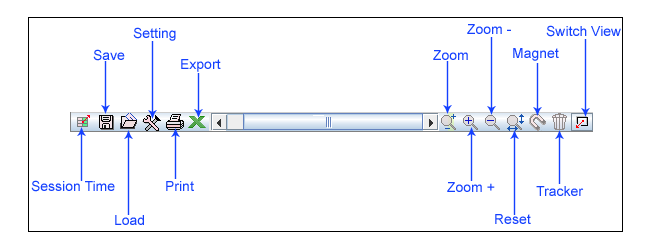
Chart controls
 Session Time: [ ALT + D]
Tickerplant Chart provides a feature that facilitates user to change the time of chart as per requirement. User can enter their choice of time in HHMMSS format and get the desired output.
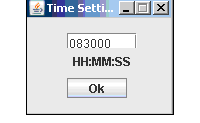
Session time window
 Save & Load
  : [ ALT + S] [ ALT + L]
Tickerplant Chart enables user to save all the work done in terms of analysis and visual settings in a template file with the desired name, at the desired location. User can conveniently load this template when he needs to re-apply it on desired chart for analysis purpose.
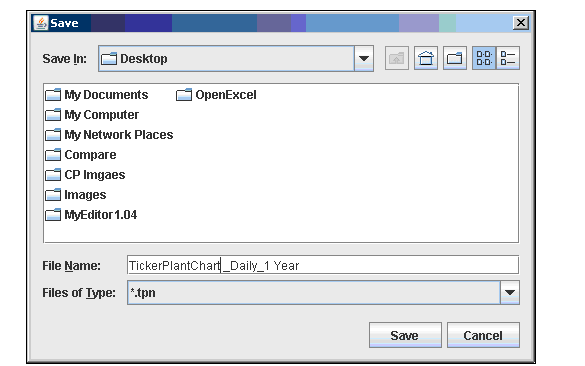
Template save window
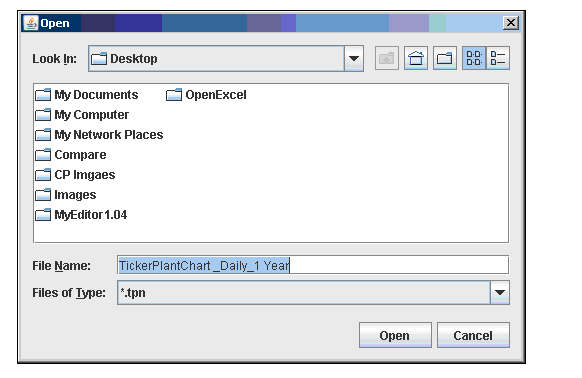
Template load window
 Print: [ ALT + P]
Tickerplant Chart provides the user the facility to take print of the current chart visible on the screen. It can be done by clicking on the print button on the chart control panel. The chart to be printed needs to be saved at the desired location and printed subsequently. The below image is the snapshot of the file that will be printed.
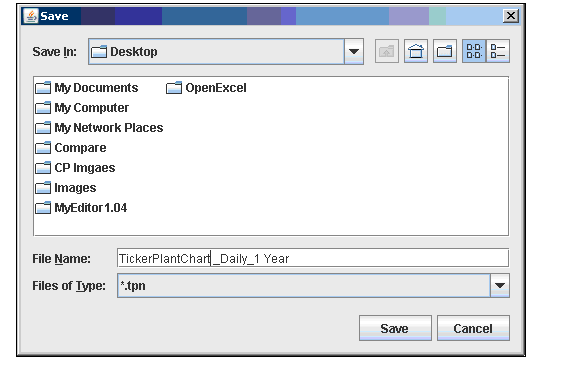
Print snapshot window
 Export: [ ALT + E]
Tickerplant Chart provides an option to export and save the current values of the chart in Microsoft Excel. The user can conveniently save the output in an Excel file on the system for future reference. The below image displays how the export to excel feature will display data in Excel sheet
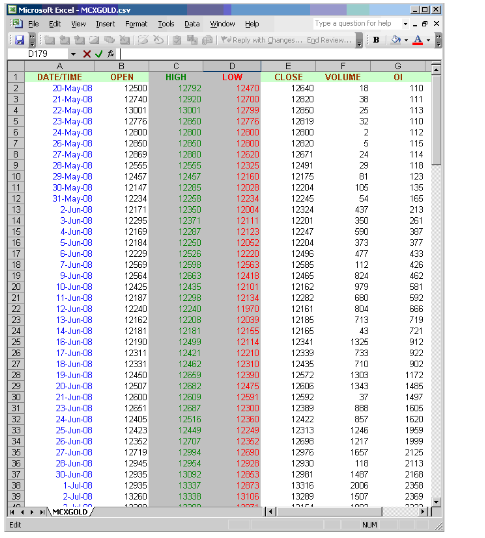
Chart data exported in excel
Comments
0 comments
Please sign in to leave a comment.