
The Derivatives menu lets you view:
-
Most Active Underlyings
-
Most Active Contracts
-
Most Active Puts
-
Most Active Calls
-
Market Report
-
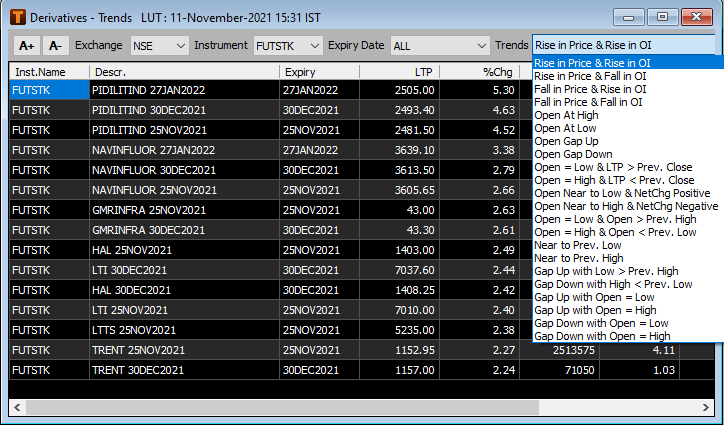
Derivative Trends
-
Market Statistics
To view Derivatives Data
-
Click DERV.
A list of derivative reports is displayed.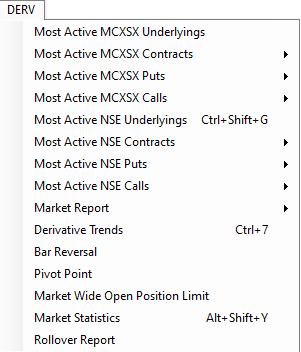
-
Select the desired report.
The report is displayed in your workspace.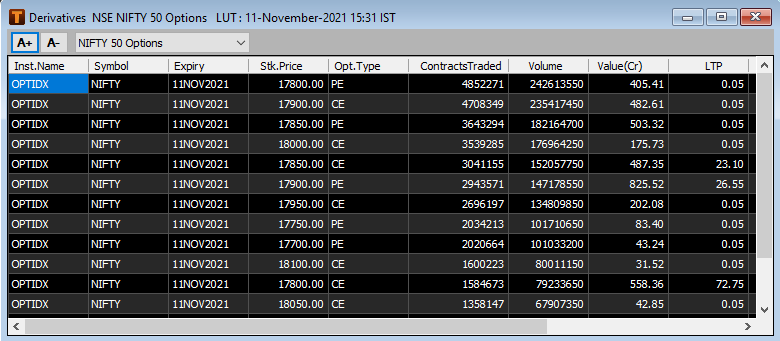
Available derivative reports
|
Type of Report |
Description |
|
Most Active Underlying |
Lists the most active underlying instruments including:
|
|
Most Active Contracts |
Lists the most active contracts including the:
|
|
Most Active Puts |
Lists the most active put options including the:
|
|
Most Active Calls |
Lists the most active call options including the:
|
|
Market Reports |
Lists the:
|
|
Derivative Trends |
Allows you to analyze trends in the derivatives market by tracking:
|
|
Market Statistics |
Daily Market Statistics published that displays the following:
|
Comments
0 comments
Please sign in to leave a comment.