
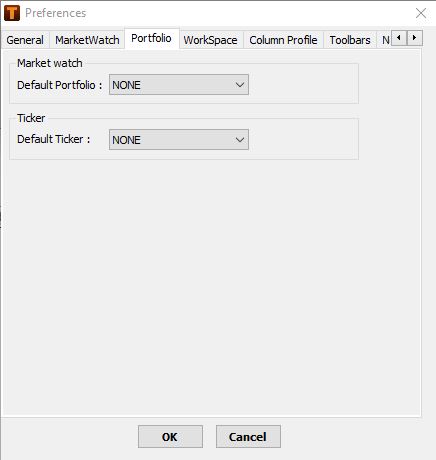
The Portfolio tab allows you to choose the default MarketWatch portfolio and default ticker to be displayed on screen.
-
Click Tools > Preferences.
The Preferences window is displayed.
-
In MarketWatch > Default Portfolio, choose the portfolio to be set as default.
-
In Ticker > Default Ticker, choose the ticker to be set as default.
-
Click OK.
You settings are saved.
Comments
0 comments
Please sign in to leave a comment.